the hand-written private browser
Reading the web should feel like reading.
Not dodging pop-ups while an ad reshuffles the page under your cursor.
One click turns any page into a quiet paper edition you can read, mark up, and keep. No account, nothing tracks you.
the whole idea
How to spot an AI-written headline
Most readers think they can smell one from a mile away. The tell is rarely the words, and almost always the rhythm.
Scrolling the same page, the layout lurches as banners load in around you. Every scroll becomes a negotiation.
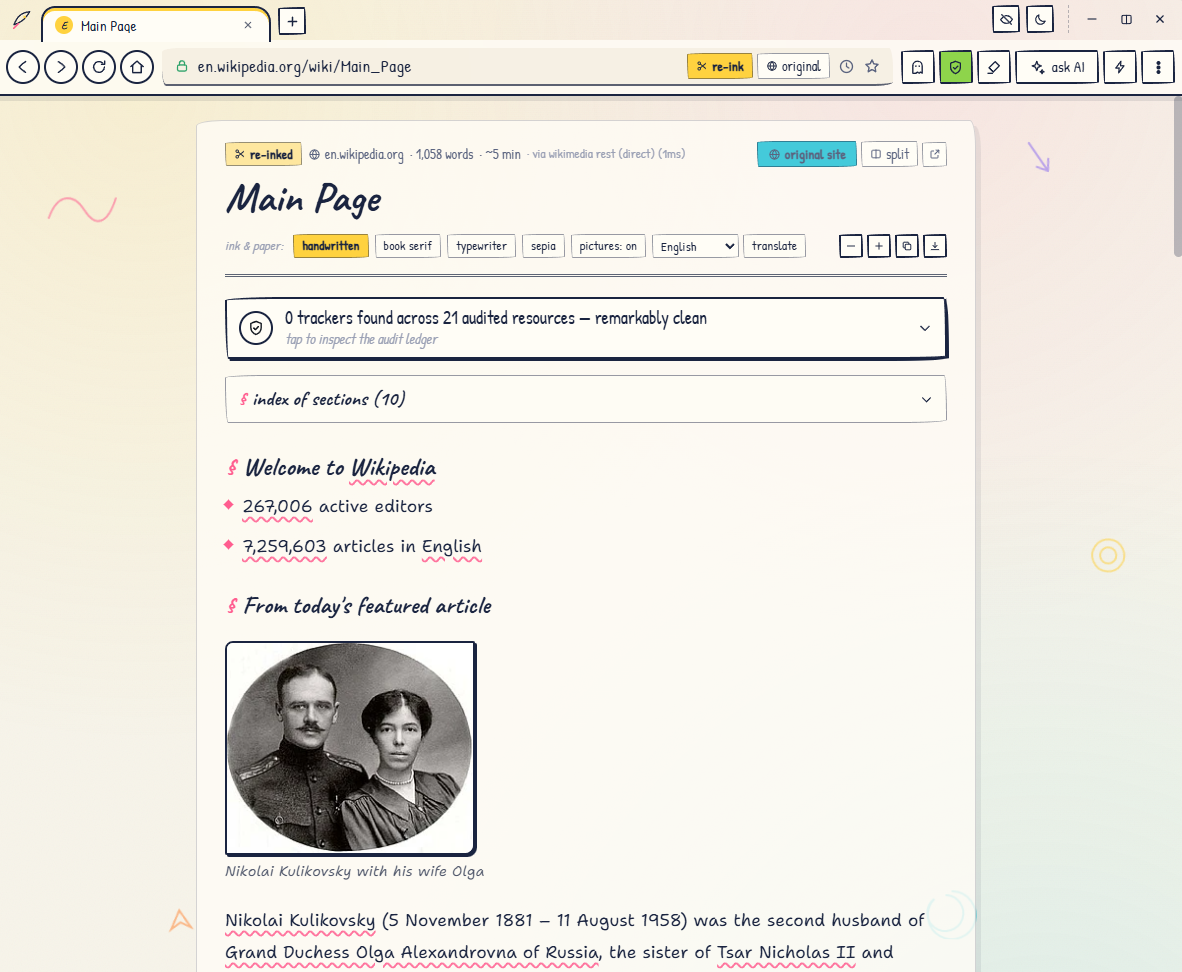
Click re-ink this page and watch the clutter fall away.
why it's different
read it like paper
Click re-ink and the pop-ups, banners and autoplay videos fall away. What stays is clean type on ruled paper. Split it beside the real page or keep the quiet one; Quill remembers your pick for every site.
write on it
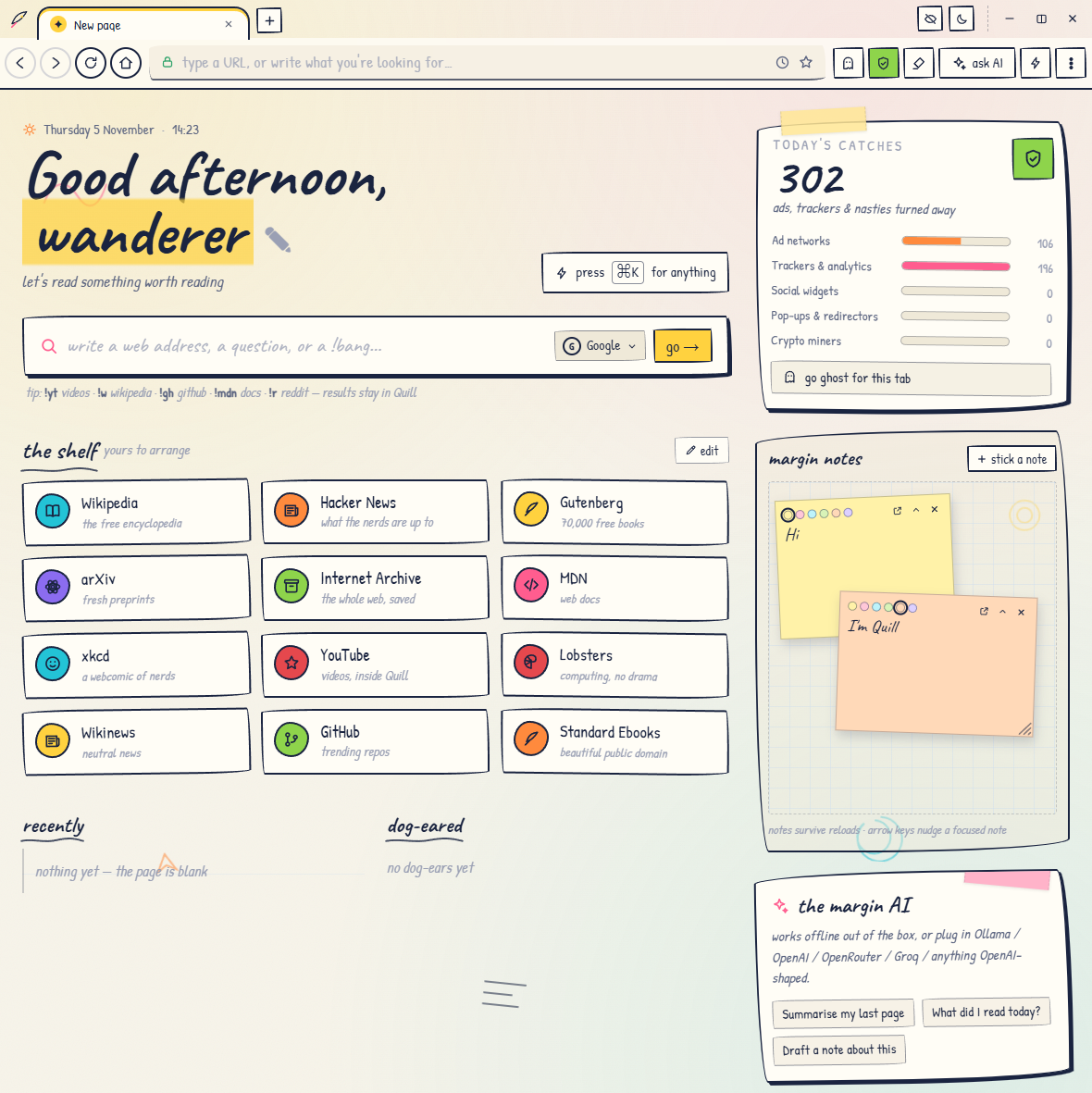
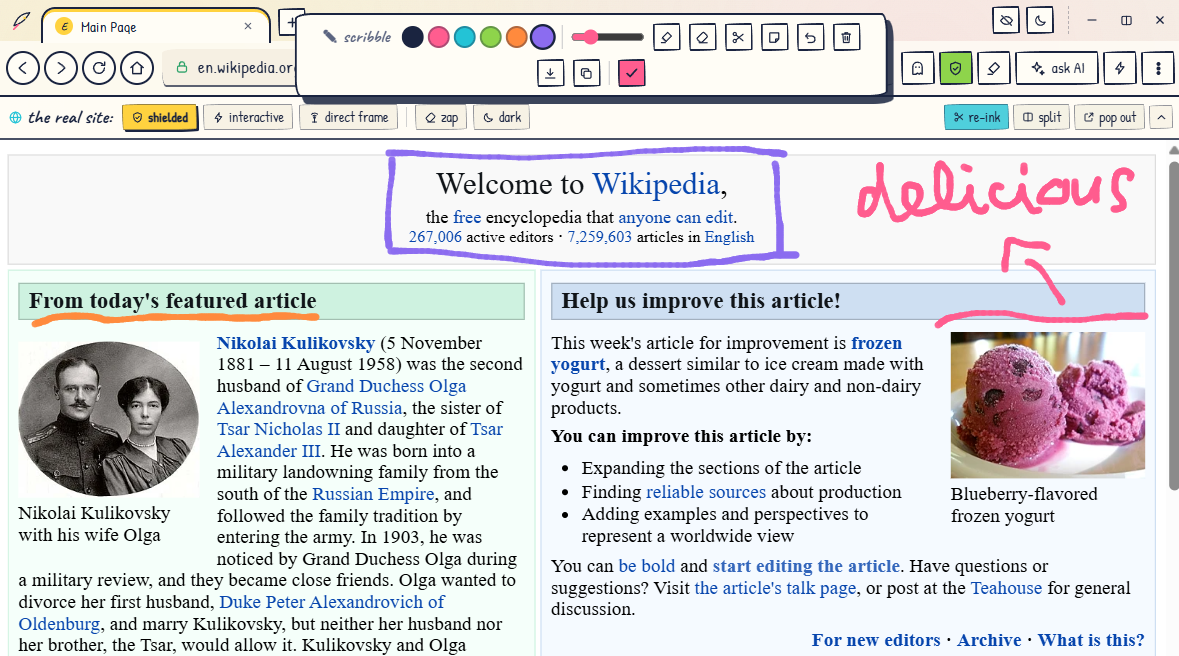
Highlight a passage and pin it as a note. Scribble with a marker and keep the doodle. Sticky notes float over everything you're doing. The web stops being something you watch and becomes something you use.
keep what you find
Ghost tabs browse without a trace, and a read-later queue holds the good stuff on your start page. Pinned passages and sticky notes stay put. Everything lives on your machine, because there's no cloud to lose it in.
a scribe in the margin
Summarize or translate any page offline, with no account. The built-in scribe reads alongside you, and your text never leaves your machine.
it looks like this